
Every plan
Whoever is on the desk can see who they are talking to: contact details, visit history, spend, notes, consent and forms, all on one client profile in your own WordPress website.
14 days free with every feature. No card needed.
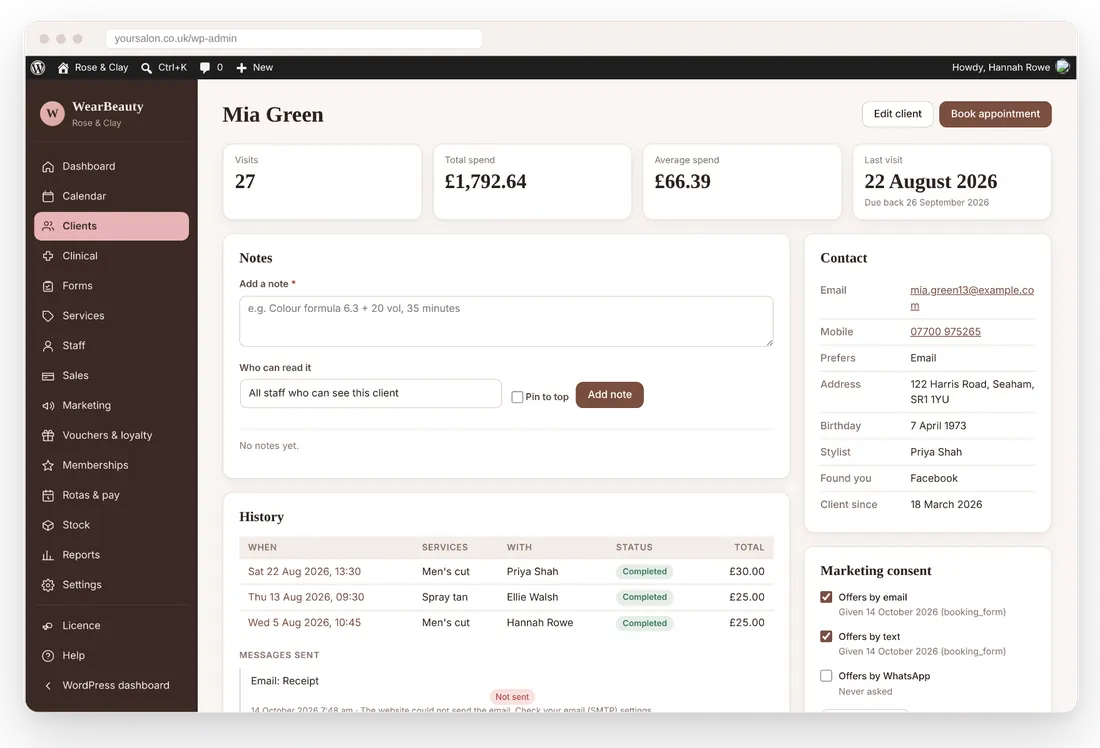
Preferred name, date of birth, contact details, preferred way to contact, address, usual stylist and how they found you.
Visit count, total and average spend, last visit and the date they are due back.
Pin important notes. Choose who sees each one: everyone, managers only or clinical staff only.
Add an alert that shows in red on the client and in the calendar, so nobody misses it.
Email, text and WhatsApp consent recorded with the date and where it came from.
Tag clients, mark VIPs, archive old records or stop someone booking online.
Search by name, email or phone, then filter and sort the list the way you need it.
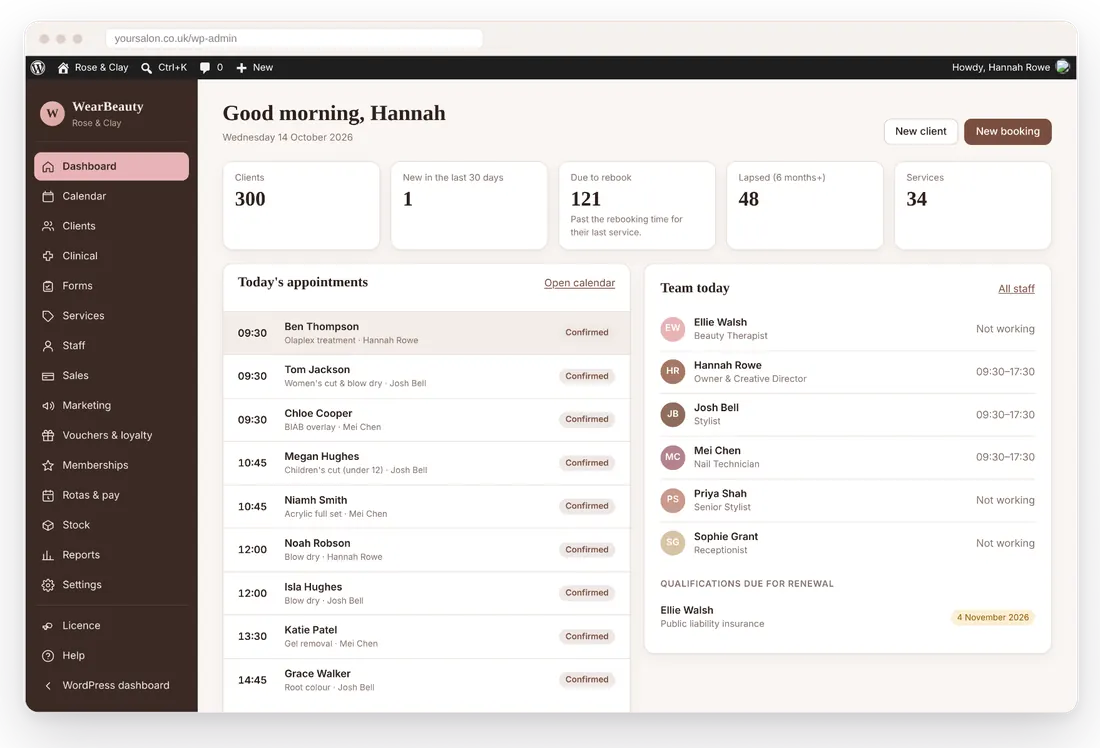
WearBeauty spots likely duplicates and merges them properly, and brings your clients across from another system.
Most booking systems can export clients as a CSV spreadsheet.
Go to Clients, Import and export. Columns are matched by their headings.
Check the duplicates list and merge any records that belong to the same person.
Something else? Email info@wearbeauty.co.uk and we will reply within 24 hours.
Day, week and agenda views with a column for each team member.
Know who is due back and bring lapsed clients home.
Consultation and consent forms with e-signatures and patch tests.
See how WearBeauty can bring your bookings, clients and everyday salon admin together.